
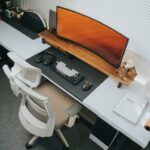



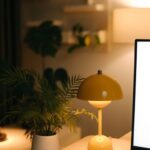

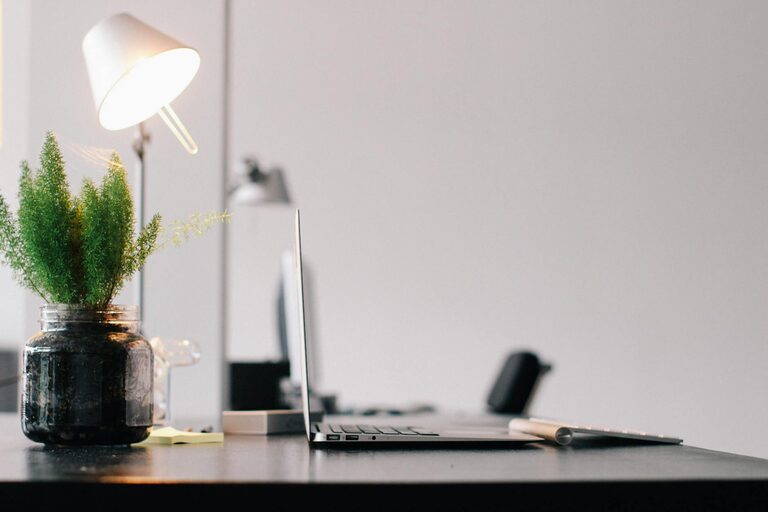
Creating a productive home office space is essential for anyone working remotely or running a business from home. A well-designed workspace can improve focus, enhance comfort, and increase overall efficiency. Whether you have a small corner or an entire room to dedicate to your office, these tips will help you set up a space that encourages productivity.
Choose the Right Location
Selecting the best spot in your home for your office is the first step. Ideally, this should be a quiet area with minimal distractions. Consider:
– A spare room or a nook away from high-traffic zones
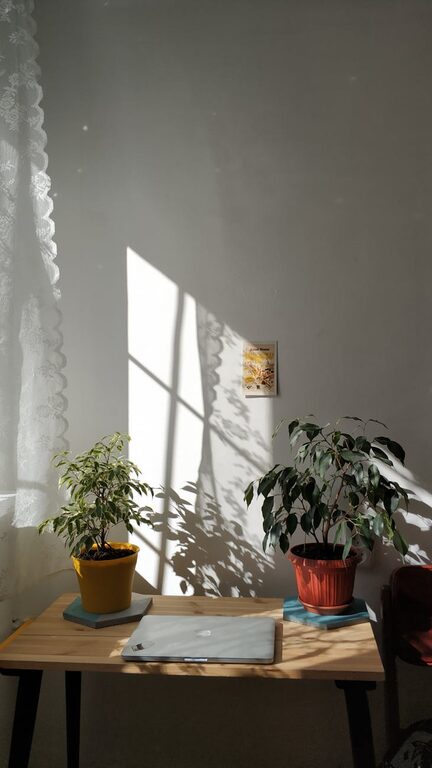
– An area with good natural light to reduce eye strain and improve mood
– A space with access to electrical outlets for your devices
If space is limited, using room dividers or screens can create a sense of separation from the rest of the living area.
Invest in Comfortable, Ergonomic Furniture
Comfort is key to maintaining productivity over long working hours. Ergonomic furniture supports good posture and reduces physical strain.
– Desk: Choose a desk with enough surface area for your computer, paperwork, and other essentials.
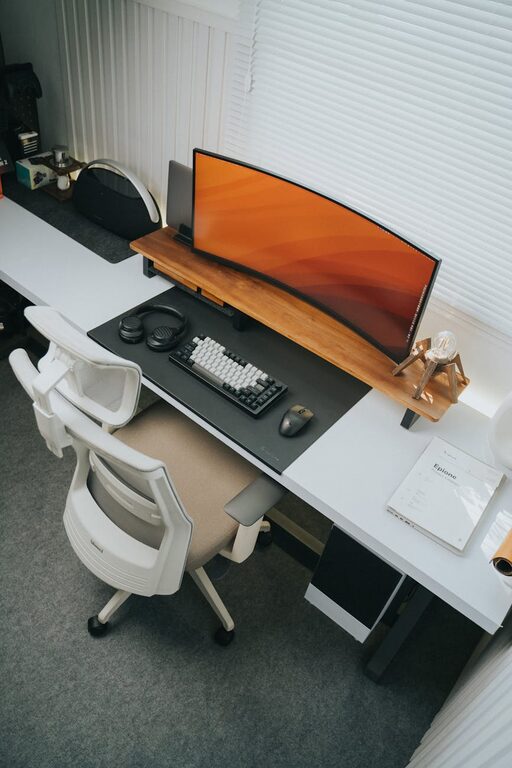
– Chair: Invest in an adjustable chair with proper lumbar support to prevent back pain.
– Accessories: Consider a monitor stand, keyboard tray, or an adjustable laptop stand to align your equipment at eye level.
Standing desks or convertible sit-stand desks are also popular options to alternate between sitting and standing throughout the day.
Organize and Declutter Your Workspace
A tidy workspace helps reduce distractions and promotes a clear mind.
– Use storage solutions like shelves, filing cabinets, and desk organizers to keep supplies in order.
– Keep only essential items on your desk to maintain focus.
– Schedule regular cleaning to avoid accumulation of clutter.
Labeling storage containers can speed up finding what you need and help maintain organization.
Optimize Lighting
Proper lighting is crucial to prevent eye strain and maintain energy levels.
– Position your desk near windows to make the most of natural light.
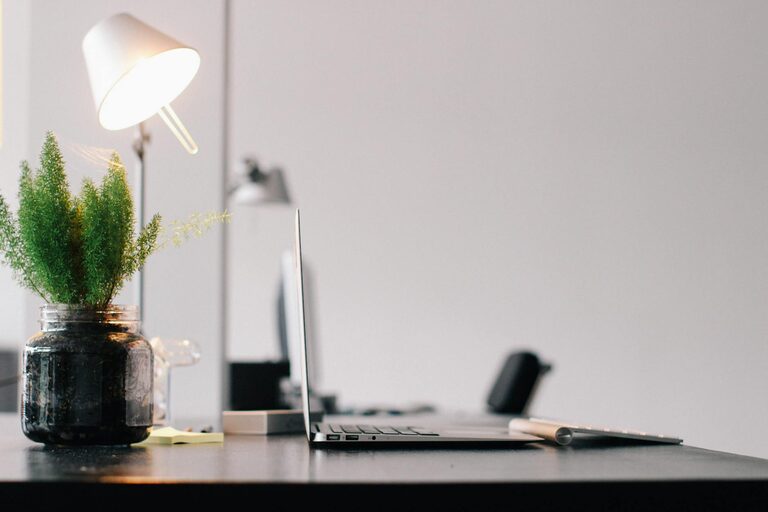
– Use adjustable task lighting such as desk lamps to illuminate your work area during darker hours.
– Avoid harsh overhead lighting or glare on your screen by using diffused lights or adjustable shades.
Minimize Noise Distractions
Noise can interrupt your focus and decrease productivity. Strategies to reduce distractions include:
– Using noise-cancelling headphones or earplugs
– Playing white noise or soft background music
– Adding rugs, curtains, or soft furnishings to absorb sound
If family members or roommates also work or study at home, establishing quiet hours or signaling when you cannot be disturbed can be helpful.
Personalize Your Space
Adding personal touches can make your workspace more inviting and motivating.
– Display artwork, plants, or photos that inspire you.
– Choose colors that promote calm or creativity, such as soft blues or greens.
– Incorporate items that bring you joy without causing distractions.
Establish Boundaries and Routine
Creating mental boundaries helps separate work time from personal time.
– Set specific work hours and stick to them.
– Communicate these hours to those you live with.
– Use routines like starting your day with a short walk or a coffee break to transition into work mode.
Use Technology Wisely
Leverage tools and apps to streamline your work.
– Keep your computer and software updated.
– Use cable management solutions to prevent tangled wires.
– Set up dual monitors if your work benefits from multiple screens.
– Ensure you have reliable internet connectivity.
—
Creating a productive home office space is not about having the most expensive equipment but designing an environment that suits your work style and needs. By focusing on comfort, organization, lighting, and boundaries, you can build a workspace that supports your best work every day.