
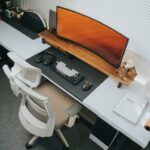






Working from home has become a common part of many people’s routines. To stay efficient and motivated, having a productive home office environment is essential. With the right setup, you can create a space that supports your work habits and helps you maintain focus throughout the day. Here are some practical tips to help you design a productive home office.
Choose the Right Location
Consider Natural Light
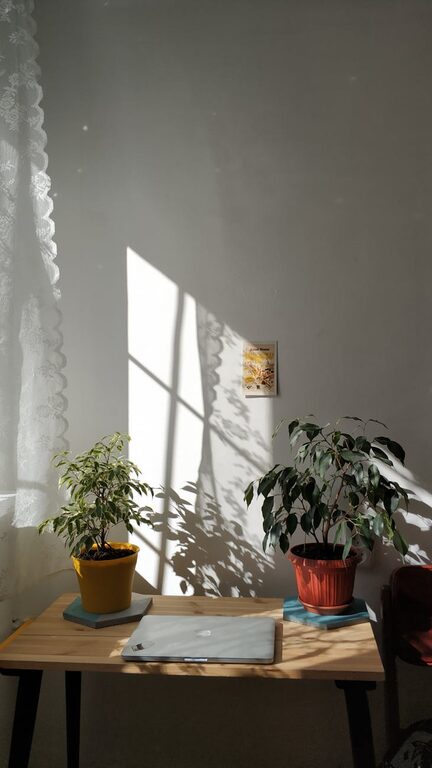
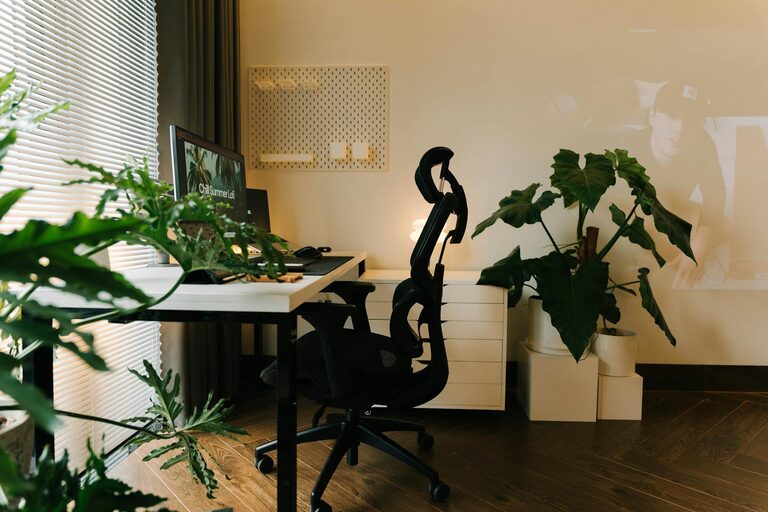
Natural light can improve mood and energy levels. Whenever possible, place your desk near a window. This also helps reduce eye strain that can come from artificial lighting.
Minimize Distractions
Try to select a quiet area of your home where foot traffic and noise are limited. This will help you concentrate better and separate work time from relaxation.
Invest in Ergonomic Furniture
Comfortable Chair
A supportive chair is crucial. Look for one with adjustable height and good lumbar support to avoid back pain.
Proper Desk Height
Ensure your desk is at a comfortable height for typing and writing. If you can, consider an adjustable desk that lets you alternate between sitting and standing.
Organize Your Workspace
Declutter Regularly
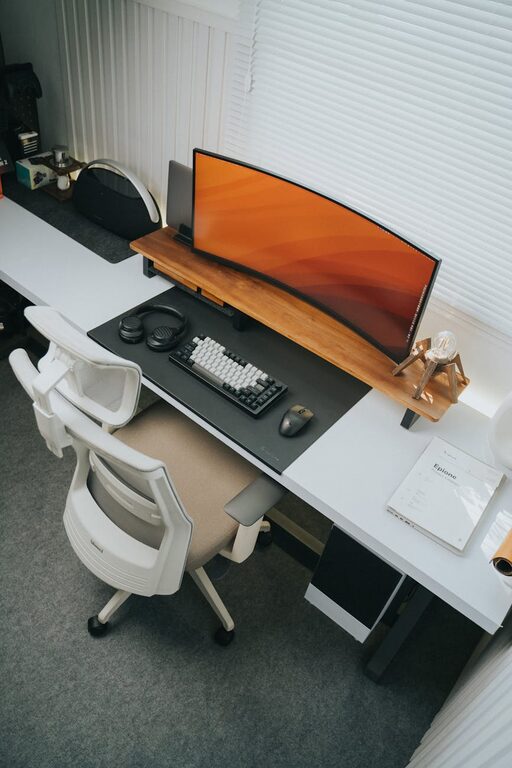
Clear surfaces help reduce stress and improve focus. Keep only essentials on your desk and store everything else in drawers or shelves.
Use Storage Solutions
Use organizers, shelves, and filing systems to keep documents and supplies tidy. Label containers so you can easily find what you need.
Optimize Technology
Reliable Internet Connection
A fast and stable internet connection prevents interruptions during meetings or when accessing online resources.
Efficient Equipment Setup
Position your monitor at eye level to avoid neck strain. Use a keyboard and mouse that feel comfortable and responsive.
Personalize Your Space
Add Inspiring Elements
Including plants, artwork, or personal photos can make your office feel welcoming and motivate you.
Maintain Comfortable Temperature
Adjust your room’s temperature to a comfortable level to stay focused and avoid distractions caused by discomfort.
Set Boundaries and Routine
Define Work Hours
Establish clear start and end times for your workday to balance productivity with downtime.
Communicate with Household Members
Make sure those you live with understand your work schedule to minimize interruptions.
Incorporate Breaks and Movement
Take Regular Breaks
Short breaks improve mental clarity. Stand, stretch, or walk a little every hour to keep your body active.
Create a Relaxation Spot
If space permits, add a small area with a comfortable chair for quick relaxation or reading.
Use Lighting Wisely
Combine Ambient and Task Lighting
Good lighting reduces eye strain. Use a combination of overhead lights and a desk lamp focused on your work area.
Avoid Screen Glare
Position lighting to minimize reflections on your computer screen, adjusting blinds or curtains as needed.
Maintain Cleanliness and Fresh Air
Keep Your Workspace Clean
Regularly dust and clean your desk and equipment to create a healthy environment.
Air Quality Matters
If possible, open windows to let fresh air in or use an air purifier to maintain a pleasant workspace.
—
Creating a productive home office doesn’t have to be complicated or costly. By focusing on comfort, organization, and minimizing distractions, you can design a space that supports your best work. Tailor these tips to fit your personal preferences, and you’ll notice a positive difference in how you work and feel each day.