







Creating an organized home workspace is essential for maintaining focus and productivity, especially when working remotely or pursuing personal projects. A cluttered or poorly arranged workspace can lead to distractions, stress, and reduced efficiency. Fortunately, with a few simple changes, you can transform your home office into an inviting and productive environment.
In this post, we’ll share practical tips for organizing your home workspace to help you work smarter and feel more motivated every day.
Why Organizing Your Workspace Matters
Before diving into the tips, it’s important to understand why keeping your workspace organized matters:
– Reduced distractions: Clutter can catch your eye and pull your attention away from tasks.
– Improved focus: An orderly space helps you stay mentally clear and better able to concentrate.
– Time savings: Knowing where everything is allows you to find tools and documents quickly.
– A more welcoming environment: A tidy desk creates a pleasant atmosphere that encourages productivity.
With those benefits in mind, let’s explore how to set up and maintain an efficient home workspace.
1. Choose the Right Location
The foundation of an organized workspace starts with selecting the right spot:
– Pick a quiet place with minimal foot traffic and distractions.
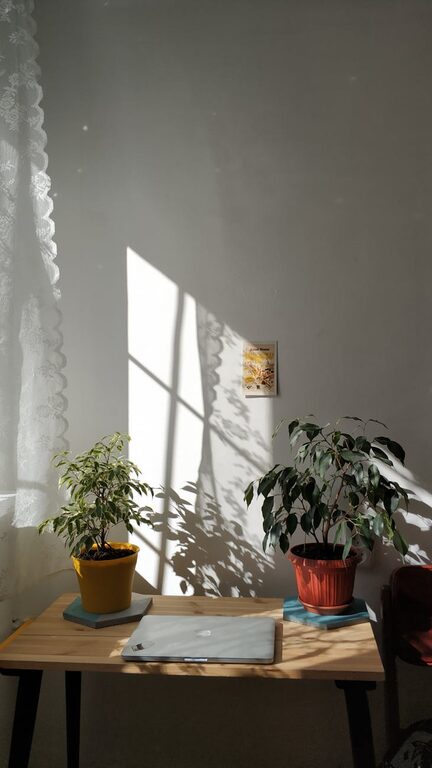
– Ideally, choose a space with good natural light to boost mood.
– Ensure you have enough room for your desk, chair, and any necessary equipment.
If space is limited, consider multi-functional areas or using vertical storage to save surface area.
2. Declutter Your Desk
A clean desk supports a clear mind. Here’s how to keep your desk clutter-free:
– Remove unnecessary items and only keep essentials like your computer, notebook, and writing tools.
– Use drawers or desktop organizers to store smaller items like pens, paper clips, and chargers.
– Keep the surface clear at the end of each day to prepare for the next one.
Regular decluttering sessions can prevent the build-up of excess materials.
3. Use Storage Solutions Effectively
Organizing your workspace often requires the right storage tools:
– Shelves and wall organizers: Use these for books, files, and decorative items to free desk space.
– Filing systems: Whether digital or physical, keep documents categorized and easy to locate.
– Containers and bins: Store cables, batteries, or often-used supplies in labeled containers.
Choose storage options that suit your space and style to encourage ongoing organization.
4. Manage Cables and Electronics
Messy cables can create unnecessary confusion and hazards:
– Use cable organizers, clips, or sleeves to bundle cords neatly.
– Label cables to easily identify them.
– Position electronic devices to keep cables out of the way and prevent tangling.
A clean cable setup enhances safety and contributes to a tidy look.
5. Optimize Lighting and Ergonomics
Comfortable lighting and ergonomics improve your productivity and wellbeing:
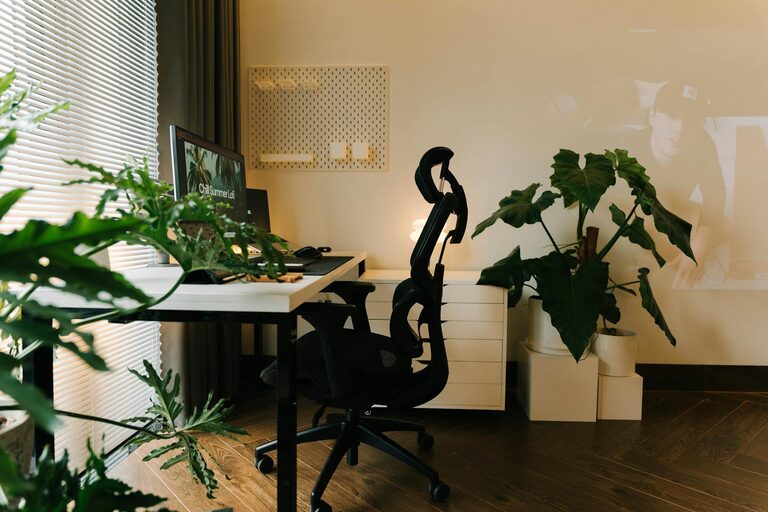
– Position your desk near a window for natural light, or use adjustable task lighting to reduce eye strain.
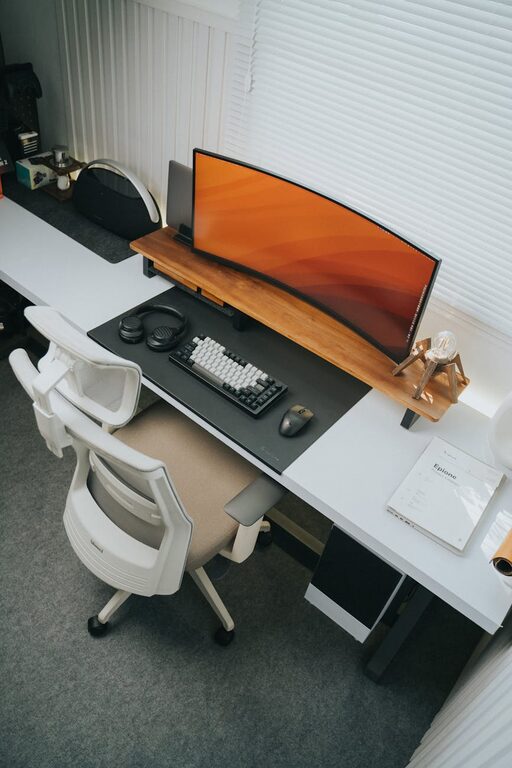
– Choose a supportive chair that encourages good posture.
– Arrange your monitor at eye level to avoid neck strain.
– Keep frequently used items within arm’s reach to limit unnecessary movement.
Paying attention to these details keeps your workspace functional and comfortable.
6. Personalize Thoughtfully
Adding personal touches can make your workspace inviting and motivate you:
– Display a few favorite photos, art prints, or plants to brighten the space.
– Avoid overdecorating, as too many items can distract or clutter.
– Choose colors and decorations that help you feel relaxed yet focused.
Personalization helps create a workspace that’s uniquely yours while maintaining productivity.
7. Maintain Daily and Weekly Habits
Organization is an ongoing effort. Build habits that support a tidy workspace:
– Spend a few minutes each day returning items to their places.
– Review and clear your desk weekly to remove unnecessary papers or supplies.
– Backup digital files regularly to keep your computer organized.
Consistent habits prevent disorganization from becoming overwhelming.
8. Use Technology to Stay Organized
Leverage digital tools to keep your workflow streamlined:
– Use calendar apps or task managers to track deadlines and to-dos.
– Store files in cloud services to reduce paper clutter.
– Employ note-taking apps to keep your ideas and information accessible.
Technology can be a helpful complement to your physical organization efforts.
—
Organizing your home workspace doesn’t require a large budget or major renovations — just a thoughtful approach and small ongoing efforts. By choosing the right location, decluttering regularly, using smart storage, and creating daily routines, you’ll set yourself up for improved focus and productivity every day.
Give these tips a try and enjoy a more efficient, pleasant home office that supports your best work.