






Creating a dedicated workspace at home that balances comfort and productivity is essential for anyone working remotely or managing tasks from their living space. A cozy and functional home office can improve focus, reduce stress, and help maintain a healthy work-life balance. Whether you have a small corner or an entire room, these tips will guide you toward setting up a workspace tailored to your needs.
Choose the Right Location
Consider Natural Light
Position your workspace close to a window if possible. Natural light not only brightens the space but also helps regulate your body clock, improving mood and energy levels. Avoid harsh glare by using sheer curtains or adjusting your monitor’s angle.
Minimize Distractions
Pick a quiet spot where household sounds and interruptions are limited. If a separate room is unavailable, use room dividers or noise-canceling headphones to create a sense of separation.
Invest in Comfortable and Functional Furniture
Ergonomic Chair and Desk
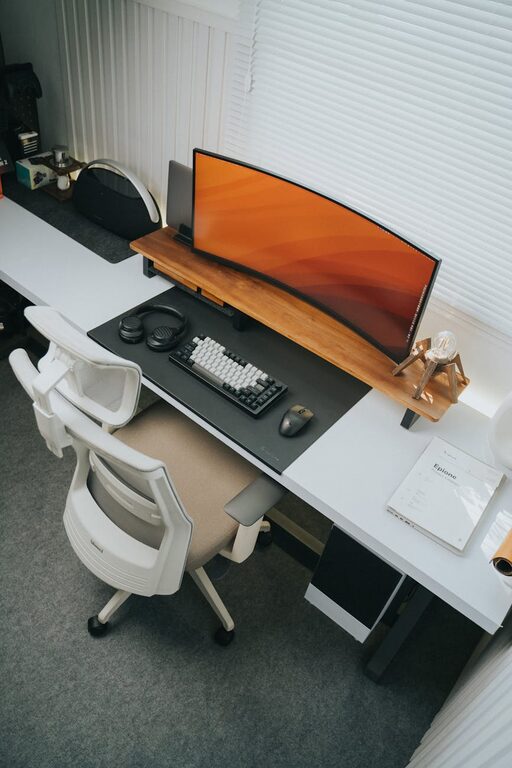
Comfort is key to staying productive for long hours. Choose an ergonomic chair with good lumbar support and a desk at a comfortable height. Adjustable furniture pieces can adapt as your needs change.
Personalize with Cozy Elements
Add cushions or a soft throw to your chair to increase comfort. A small rug and a cozy blanket can also make the area inviting, especially during colder months.
Organize for Efficiency
Declutter Regularly
Keep only essentials on your desk to minimize distractions. Use organizers, trays, or drawers to store supplies neatly.
Use Vertical Storage
Shelves and wall organizers save space and keep important items within reach without crowding your workspace.
Enhance Lighting
Layer Your Lighting
Combine ambient lighting with task lighting for the best results. A desk lamp with adjustable brightness and direction helps reduce eye strain.
Choose Warm Light
Warm, soft lighting creates a cozy atmosphere that can also help you feel more relaxed and focused.
Add Personal Touches
Decorate Thoughtfully
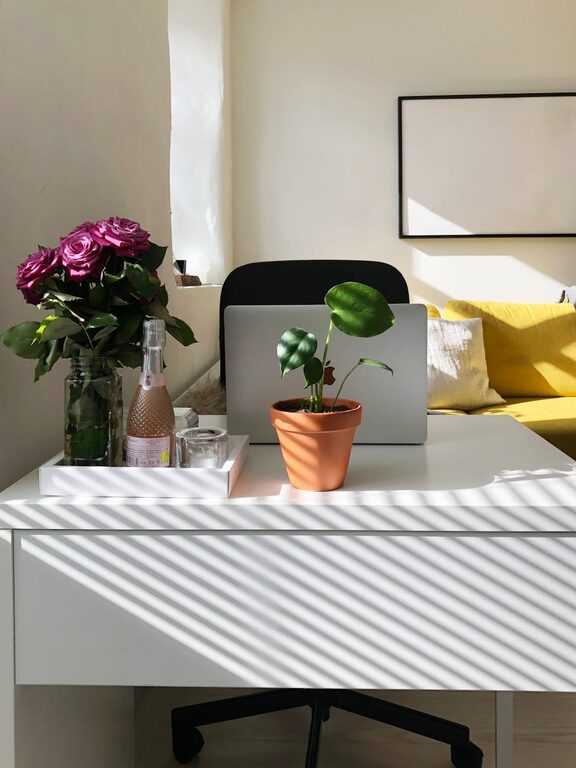
Incorporate elements like plants, artwork, or motivational quotes. Plants improve air quality and add life, while personal decorations make the workspace welcoming.
Create a Mood Board
Display images, colors, or objects that inspire you. This can boost creativity and help maintain a positive mindset.
Maintain a Healthy Routine
Take Regular Breaks
Set a timer to remind yourself to stand, stretch, or walk around every hour. This prevents fatigue and helps maintain energy levels.
Stay Hydrated and Nourished
Keep a water bottle handy and plan healthy snacks to keep your mind sharp and your body energized throughout the day.
Use Technology Wisely
Optimize Your Setup
Invest in a good-quality monitor, keyboard, and mouse to enhance comfort and performance.
Limit Digital Distractions
Use productivity apps or website blockers during work hours to stay focused.
Establish Boundaries
Set Clear Work Hours
Having specific start and end times helps separate work from personal life.
Communicate with Household Members
Let others know your schedule to minimize interruptions.
Keep It Flexible
Adapt to Your Needs
Your workspace should evolve with your work habits. Don’t hesitate to rearrange, add new elements, or try different layouts if something isn’t working.
—
Creating a cozy and productive home workspace is a blend of thoughtful design, organization, and lifestyle habits. By following these tips, you’ll find a balance that makes working from home enjoyable and efficient. Remember, the best workspace is one that feels comfortable, keeps you focused, and suits your unique preferences.