





Creating a cozy and productive home workspace is essential for anyone working remotely or studying at home. A well-designed workspace can improve your focus, reduce stress, and make your workday more enjoyable. Whether you have a dedicated room or just a small corner to set up, this guide will help you create an environment that supports both comfort and efficiency.
Choose the Right Location
The first step to setting up a home workspace is finding the perfect spot. Here are some factors to consider:
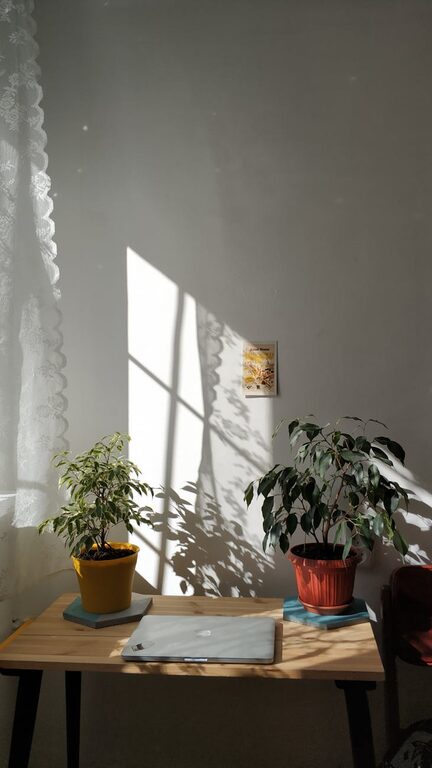
– Natural Light: Try to position your desk near a window. Natural light boosts mood and energy levels.
– Quiet Environment: Choose a space away from noise and distractions to maintain concentration.
– Space Availability: Even a small corner can work if it’s organized well; ensure you have enough room for your essentials.
Invest in Comfortable and Functional Furniture
Your furniture plays a big role in both comfort and productivity.
Ergonomic Chair
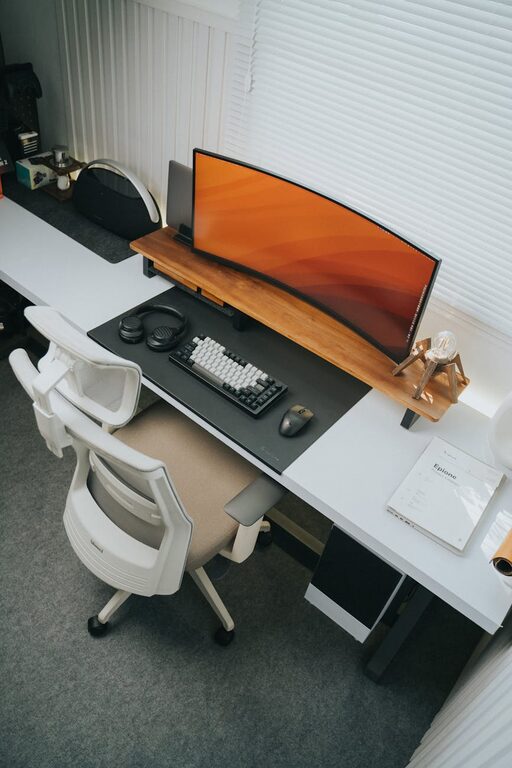
An ergonomic chair supports your posture and reduces the risk of back pain. Look for adjustable height, lumbar support, and comfortable padding.
Desk Options
Choose a desk that fits your space and work style. Standing desks or adjustable desks allow you to alternate between sitting and standing, which is great for your health.
Organize and Declutter
A tidy workspace helps clear your mind and keeps you focused.
– Use organizers like drawers, shelves, and trays to store supplies.
– Keep only the essentials on your desk to avoid clutter.
– Cable management tools help prevent tangled cords.
Personalize Your Space
Adding personal touches can make your workspace feel inviting and motivating.
– Incorporate plants to bring life and improve air quality.
– Display photos, artwork, or inspirational quotes.
– Choose calming or cheerful colors that suit your taste.
Improve Lighting
Good lighting reduces eye strain and helps maintain alertness.
– Use a combination of natural light and task lighting.
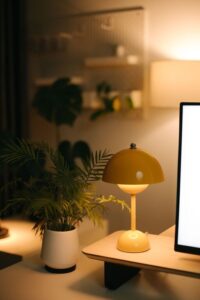
– A desk lamp with adjustable brightness is useful for focused work.
– Avoid harsh overhead lights or glare on screens.
Minimize Distractions
Creating boundaries can help keep distractions at bay.
– Inform family or housemates of your work hours.
– Use noise-canceling headphones or play background music for better focus.
– Turn off unnecessary notifications on your devices.
Maintain a Routine and Breaks
The environment is part of productivity, but your habits matter too.
– Set regular working hours to create structure.
– Take short breaks to stretch or walk around, which boosts creativity and energy.
– Keep water and healthy snacks nearby to stay hydrated and nourished.
Utilize Technology Wisely
Leverage tools and apps for a smoother workflow.
– Use a reliable computer and high-speed internet.
– Employ productivity tools like calendars, to-do lists, and time trackers.
– Consider a second monitor if you work with multiple documents or applications.
Keep Your Workspace Clean
Regular cleaning prevents dust buildup and creates a pleasant atmosphere.
– Wipe surfaces daily.
– Organize once a week to remove unnecessary items.
– Clean your keyboard, mouse, and screens to keep equipment functioning well.
Final Thoughts
Designing a cozy and productive home workspace is about balancing comfort with function. Take time to tailor your space to your needs and preferences. A well-thought-out workspace not only supports your work but also enhances your overall well-being. Start with small changes, and gradually build a space where you enjoy spending your workday.